Support





Improve Support Efficiency
with Innovative Tools
Manage all conversations and users in a shared area, and forget everything else. From here on out, it's just you and the customer – happily connected by ClickChat. Ready to get started?
Manage Conversations
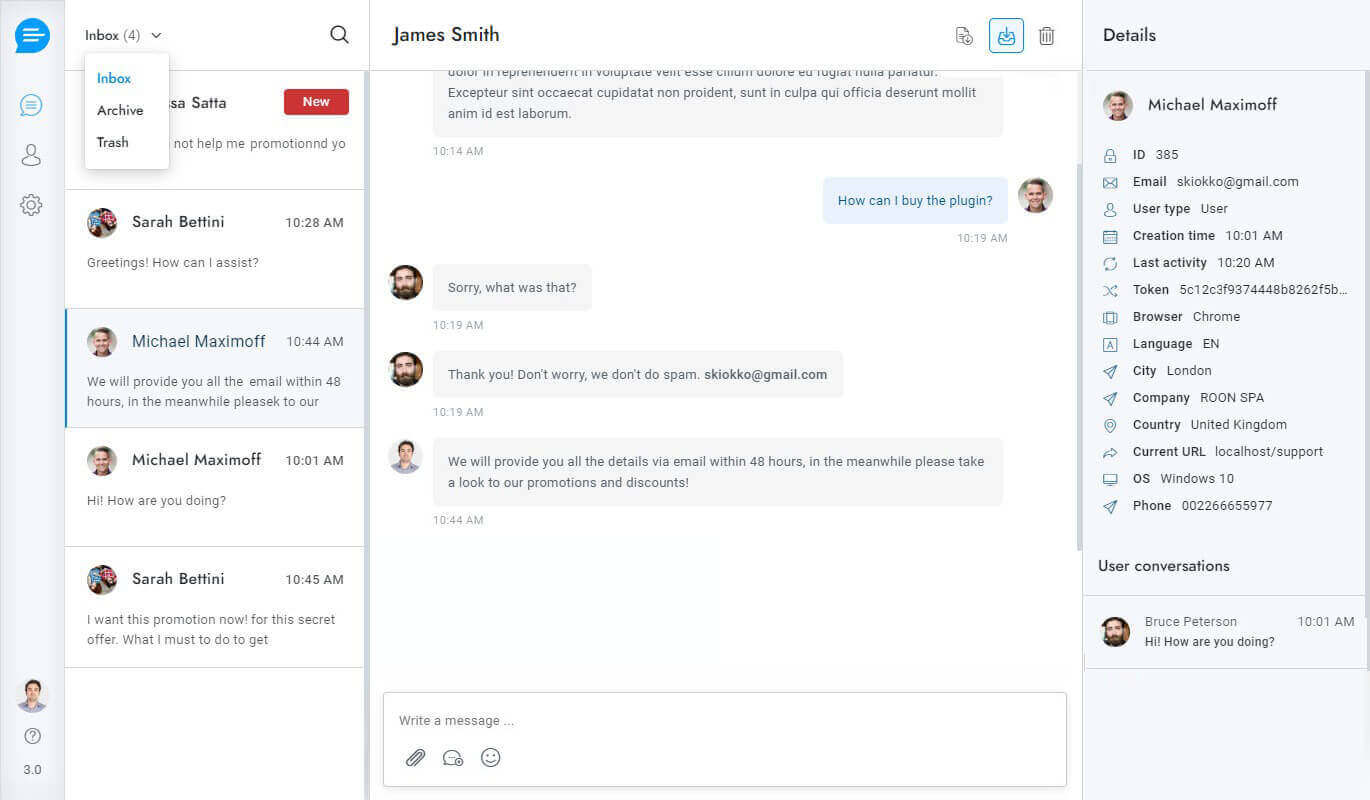
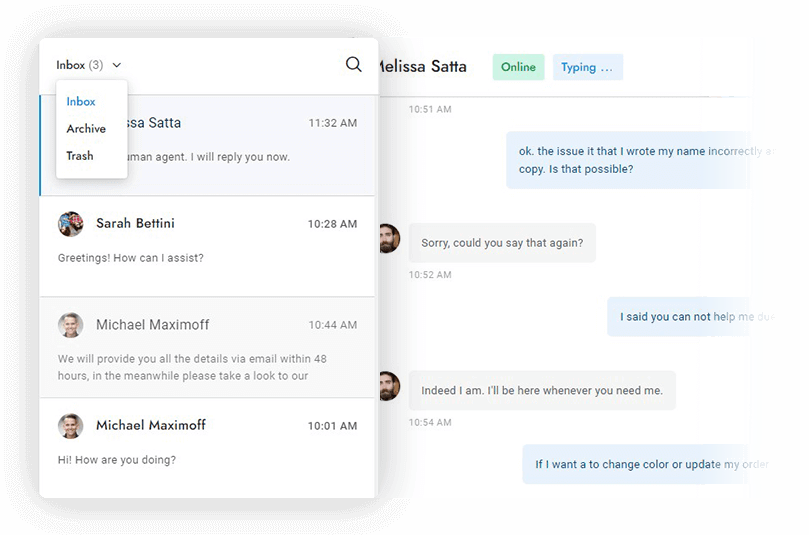
Easily manage your conversations in one place with our user-friendly interface. Search for conversations, delete messages, view users’ online status and see when they are typing in real time.
- Delete messages
- Download conversations
- Search for conversations
- Online and typing status
Omni-channel Experience
Send and reply to WhatsApp messages, Facebook messages, Telegram messages, text messages, emails, tickets, and chat messages in ClickChat. Save time with communication that happens in one place.
- Facebook Messenger
- Text Messages
- Emails
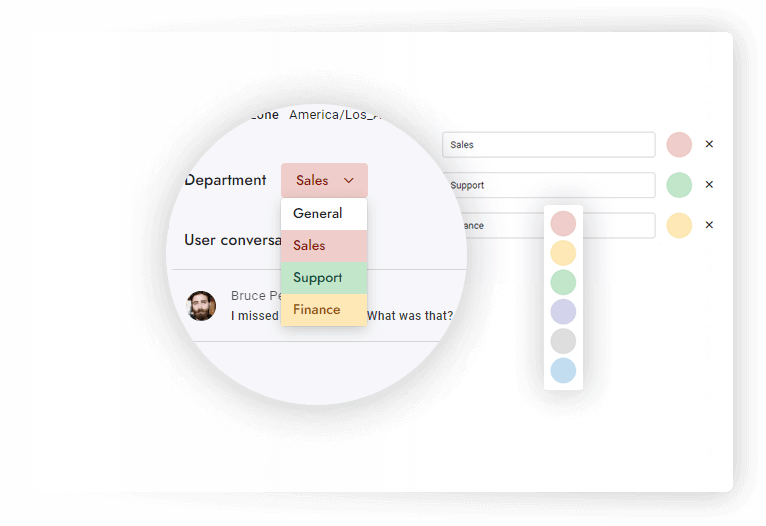
Departments
Organize conversations and assign departments to agents. Transfer rules so that your conversations will always land in the right hands. Route conversations and send department – specific email notifications.
- Department email notifications
- Update conversations department
- Restrict access to conversations
Message Editor
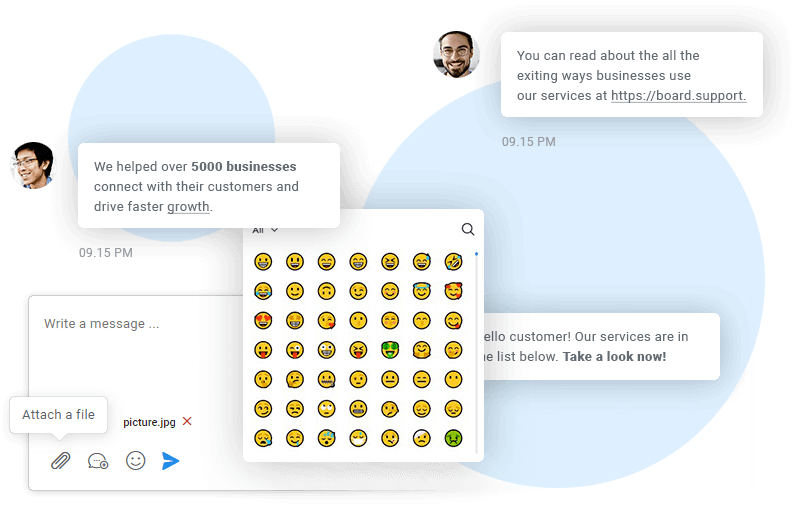
Create the perfect message by using 3000+ emojis and by formatting the text with Slack-inspired markup syntax. Surprise your users with custom HTML messages, and attach media and files in just one click.
- Text formatting and markups
- 3000+ emojis
- Multiple attachments
- Custom HTML

Notifications
Don't lose visitors. Actively engage them instead with a complete set of notifications.
Alert users and agents via email each time a new message comes in.
Push Notifications
Alert users and agents via Push Notifications for each new message.
Desktop Notifications
Alert users and agents via desktop notifications for each new message.
SMS Notifications
Alert users and agents via text message each time a new message comes in
Flash Notifications
Update the browser tab title each time a new message is received.
Sounds
Play a sound on receipt of every new message.
Red Counter
Display a red circle with the current number of unread messages.
Agents & Admins
All notification types are available also in the admin area.
More are coming
More notification types are coming in future versions. Stay tuned!
Real-time Queue
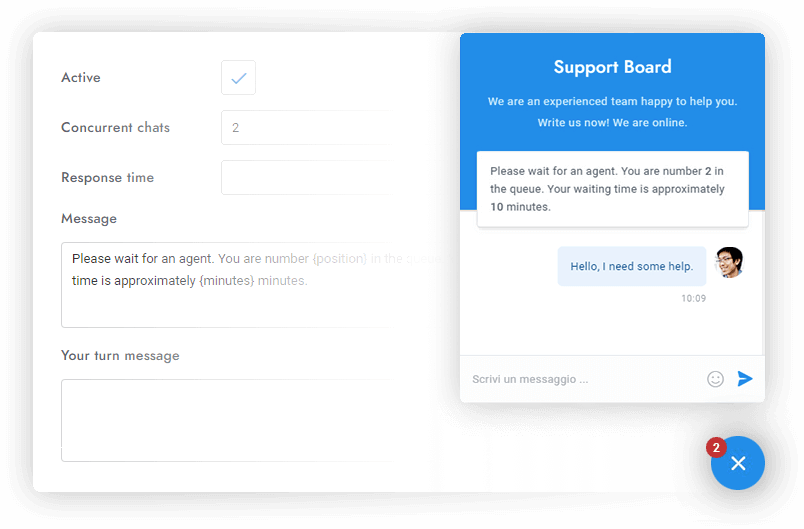
Notifies visitors of their position in the queue and waiting time in real-time. Automatically distribute the conversations among all available agents and set concurrent chats limit.
- Waiting time and queue position
- Set max concurrent chats limit
- Updates in real-time
Saved Replies
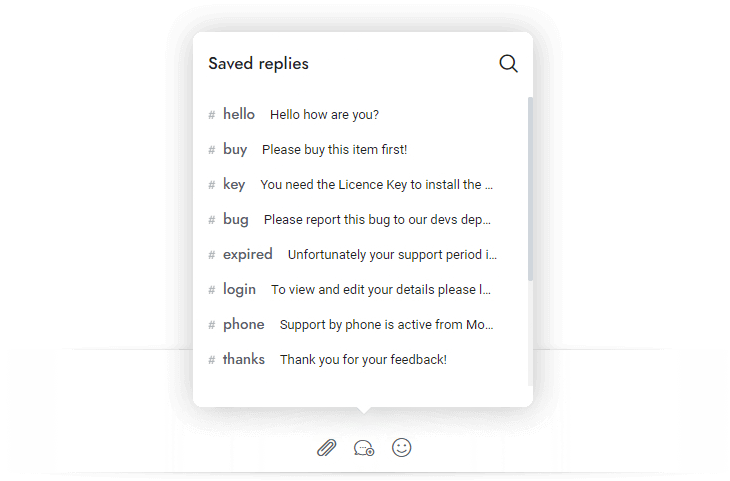
Save precious time and avoid the headache of having to repeat the same tasks. With saved replies, you won't have to type the same messages over and over. You can also save Rich Messages and custom content.
- Insert by keyboard shortcut
- Save and reuse messages
- Save custom content
- Save Rich Messages
Multi-user Direct Messaging
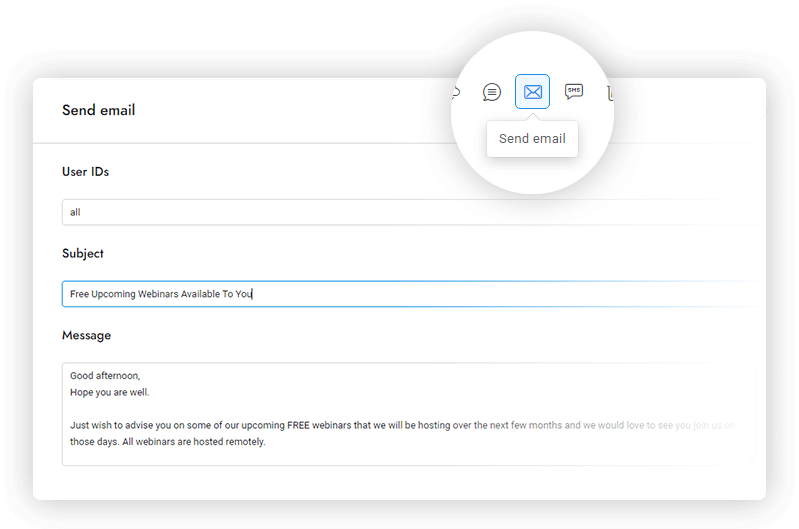
Send direct chat messages, emails, and text messages to users in real-time. Use custom merge fields to personalize every message and automatically send notifications.
- Support for emails, SMS and text messages
- Send messages to several users
Email Piping
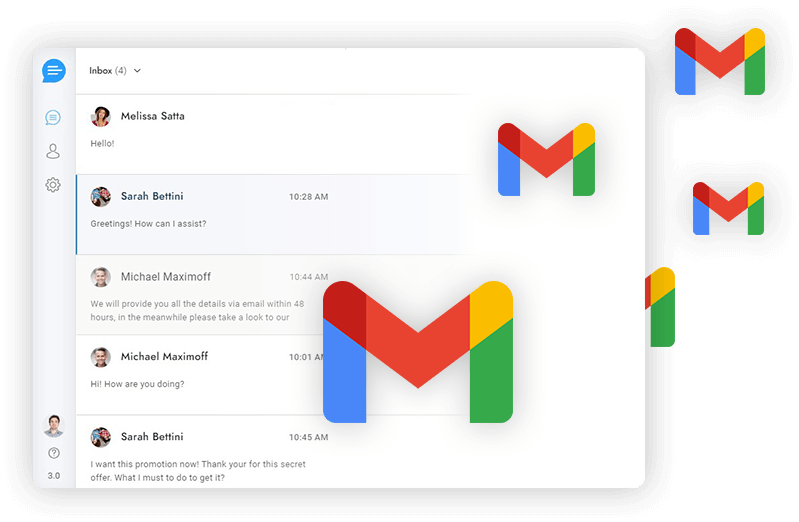
Use piping to reply to user messages from your email inbox and convert emails to tickets. Users can reply to agents by email as well! Setting this feature up does not require any server-side configuration.
- Reply to users via email
- Users may reply by email
- No server-side configuration
Reports
Get an overview of how chat and your agents are performing
- Daily conversations
- Missed Conversations
- Average conversations time
- Subscribe and follow-up reports
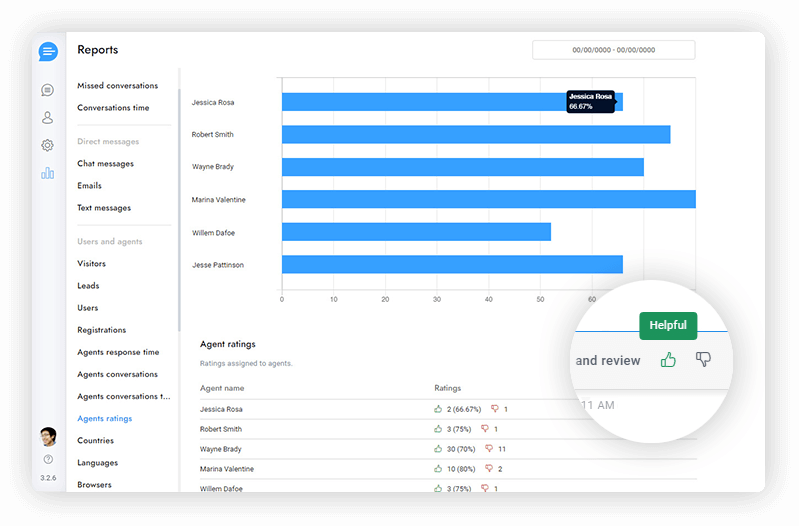
- Agents ratings
- Agents response time
- Daily Visitors
- Daily leads
- Daily users
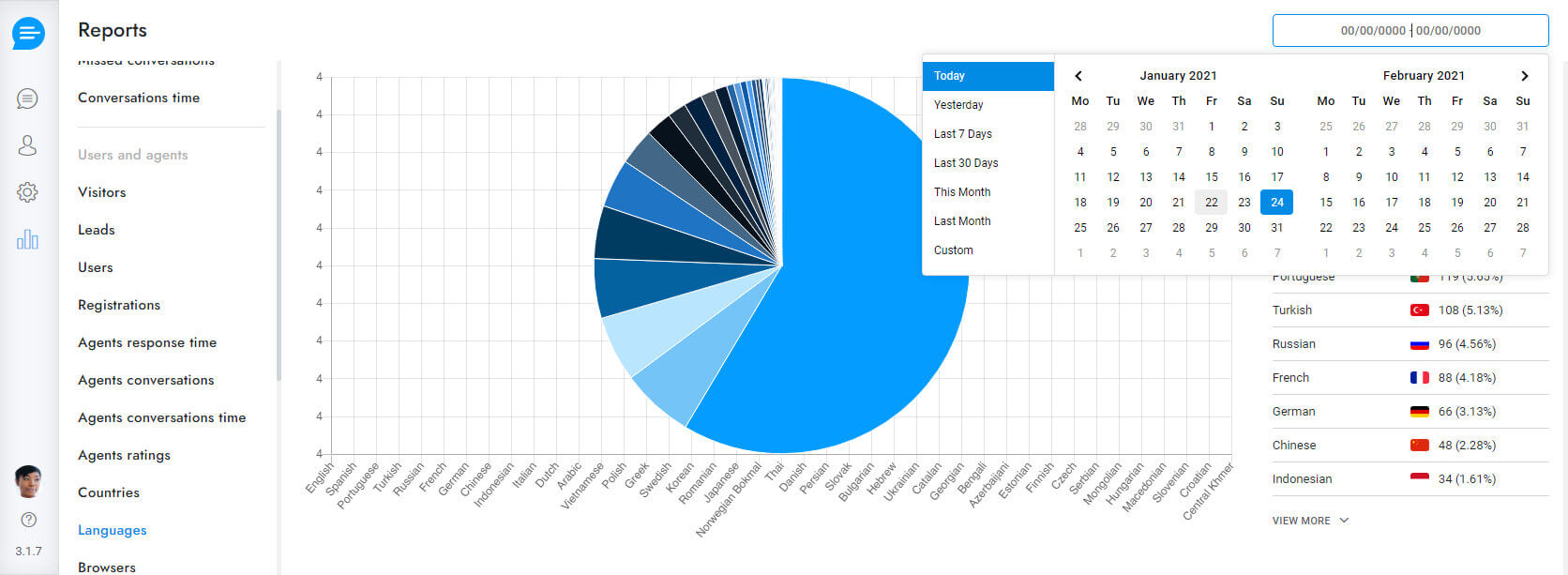
- Browsers and operating systems
- Average agent conversations time
- Countries and languages
Agent Ratings
Gather feedback on your customers' live chat experiences and use lessons learned to improve customer service. Check your agents' ratings and send post-chat messages.
- Chat rating
- Ratings Report
- Post-chat messages and surveys
- Works with tickets
Get started with ClickChat.
Manage user conversations flawlessly from several social media channels, emails and text channels all in one user interface.
Get Started